· 12 min read
Choosing defect and maintenance records software for DVSA
Compare fleet defect and maintenance history software for UK operators, with practical checks on records, evidence, inspections and DVSA readiness.
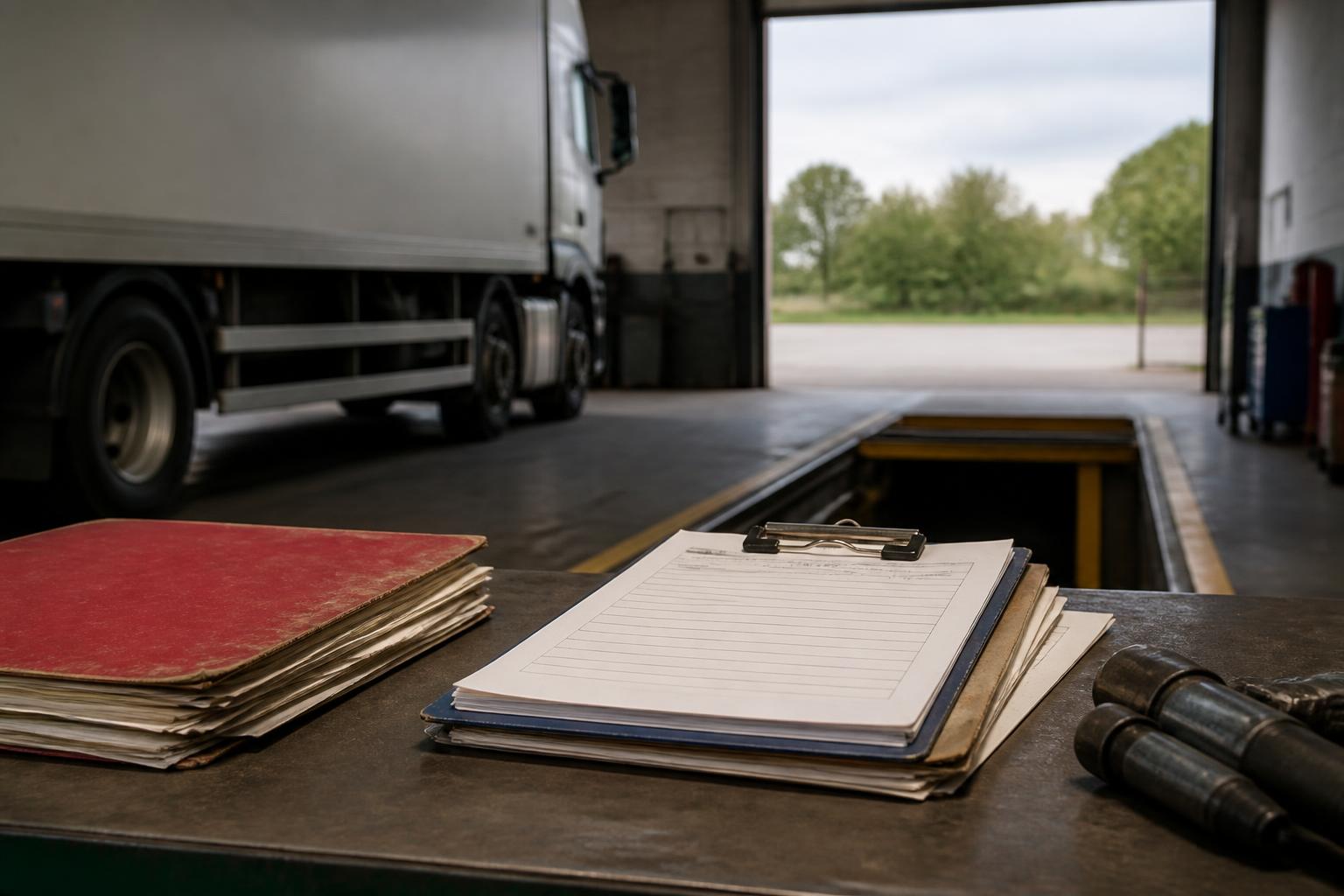
If you are choosing software for DVSA purposes, do not stop at a defect-reporting app. What matters to a transport manager is whether the system can hold a full, defensible maintenance record for each vehicle and trailer, show who did what and when, and produce signed evidence quickly if DVSA or the Traffic Commissioner asks for it.
That is why we advise operators to judge software on the whole operator-licence record, not only on daily walkaround checks. A good system should tie defects, inspections, rectification, MOT or annual-test dates, VOR periods, supporting documents and driver or fitter sign-off into one history. If it still leaves you running deadlines in spreadsheets or chasing paperwork in email, it is not doing the compliance job properly.
What UK operators need from defect and maintenance records
For UK goods and passenger operators, defect logging is only one part of the record you need to keep. DVSA expects a clear maintenance system, and the Guide to Maintaining Roadworthiness is the practical benchmark many transport managers work to. If software cannot support that standard, it will struggle when your systems are reviewed.
At a minimum, operators usually need to keep records for vehicles and trailers covering:
- daily walkaround checks and reported defects
- nil-defect reporting, where used in your process
- safety inspection dates and completed inspection reports
- preventive maintenance inspection sheets
- repair and rectification work
- brake test records, where applicable to your maintenance regime
- MOT and annual-test dates and outcomes
- odometer readings or usage measures used to plan inspections
- vehicle off road periods, including VOR status
- supporting documents such as workshop invoices, service sheets, test certificates and photographs
- evidence of review and sign-off by the responsible person
For trailers, the same principle applies. A trailer has its own inspection and repair history and should not disappear into a note field on the tractor unit record. If you run mixed assets, the software needs to treat trailers as first-class records, with separate schedules, defects and documents.
For vans, the operator-licence position depends on use case and weight, and some readers will be outside the HGV operator-licence regime. Even then, keeping proper maintenance records is still the practical standard for roadworthiness and duty of care. Taxi and private hire fleets also have local authority requirements alongside routine vehicle records. The software should reflect the fleet you actually run, not force every asset into an HGV-only template.
The reason defect software alone is not enough is simple. A daily defect report tells you what was found on one day. It does not, by itself, prove the repair was assessed correctly, completed at the right time, signed off by the right person, and tied back to the vehicle’s planned maintenance history. When DVSA looks at your systems, the question is rarely just, “Can drivers report defects?” It is more often, “Can you show a complete maintenance trail?”
That complete trail should let us open one vehicle or trailer record and see the sequence clearly. Inspection due date set. Inspection completed. Defect reported. Rectification raised. Parts fitted. Vehicle placed VOR if required. Return-to-service authorised. MOT or annual-test booked and passed. Documents attached. Nothing missing, nothing living in a separate spreadsheet.
This is where proper fleet defect and maintenance history software earns its place. It should not only capture events, it should preserve the relationship between them. That is what makes the record useful for compliance, workshop control and internal review.
If you want a practical checklist of the records operators are expected to retain, our guide to operator-licence maintenance records sets out the core documents and why they matter.
How to compare audit trail and signed evidence
When comparing systems, the audit trail matters as much as the form itself. A neat PDF is not enough if nobody can show when it was created, who amended it, and whether the defect was properly closed.
We suggest checking these points in any shortlist:
- date and time stamps on every submission, edit and sign-off
- named user records, not generic logins shared across the depot
- a visible history of changes, especially if a defect severity or completion date is altered
- clear separation between the person reporting a defect and the person authorising return to service
- storage of photographs, invoices, certificates and workshop sheets against the relevant asset and event
- the ability to show open defects, overdue rectification and missed inspections without exporting data first
- signed evidence from drivers, fitters, workshop staff or transport managers, where your process requires it
The key point is evidential quality. If DVSA visits or the Traffic Commissioner calls for records, you need to produce documents that make sense to an external reviewer. That means a report should show more than a list of jobs. It should show the timeline.
For example, if a driver reports a tyre defect at 06:15, the system should show the report time, the vehicle, the defect category, any image attached, the action taken, whether the vehicle was marked VOR, who reviewed it, what repair was completed, who completed it, and who authorised return to service. If the defect was assessed as safe to defer, the record should show that decision and the basis for it, not simply leave the item marked “done”.
Signed evidence is also broader than a digital signature box. In practice, operators often need a record that a driver completed a walkaround check, a fitter completed rectification, and a transport manager reviewed exceptions or overdue items. Software should support that chain. If it only captures the first report and leaves the rest to paper, the audit trail breaks.
Document storage is another common weak point. Ask whether documents are stored against the vehicle, the trailer, the individual defect or inspection event, or all three where relevant. If a brake test sheet is uploaded, can you find it from the inspection record later? If an MOT certificate is stored, can you pull it up from the vehicle timeline immediately? If not, people will start saving files elsewhere.
Also check what happens when records are corrected. In compliance work, edits are normal, but silent overwriting is a problem. We want to see who changed the entry, when they changed it and what the previous status was. That is the difference between an audit trail and a database that simply shows the latest version.
For operators building monthly review packs, software should also make it easy to collate evidence for management checks. Our article on choosing a monthly fleet pack that stands up to DVSA explains what those review packs should contain and how software can reduce the manual work.
Can it manage inspections, MOT and annual-test deadlines?
A system that records history but cannot control future deadlines is only doing half the job. Transport managers need software that plans inspections forward, flags what is coming due, and shows what has been missed or moved.
Start with safety inspection intervals. The software should let you set inspection frequencies by vehicle or trailer, based on your maintenance regime, and then calculate future dates properly. Some operators plan by calendar date, some by usage, and some need both. If your inspections are managed by ISO week, the system should handle that without manual workarounds.
Forward planning matters because workshop and test capacity is never unlimited. We need to see upcoming inspections and test dates early enough to book them, move assets, and avoid bunching. A basic reminder sent a few days before due date is not enough if the fleet has to be scheduled weeks in advance.
Look for:
- recurring inspection schedules for vehicles and trailers
- future diary views by date, depot or asset type
- alerts for upcoming inspections, MOT and annual-test deadlines
- visibility of missed events and overdue actions
- the ability to record rescheduled dates with a reason
- reports showing planned versus completed maintenance
Missed-event handling is especially important. In real operations, inspections are sometimes moved because a vehicle is away, in repair, sold, off the road or unavailable. The software should capture that exception and preserve the history. It should not simply replace the old due date and pretend the first one never existed.
MOT and annual-test dates need the same discipline. For HGVs and PSVs in the UK, annual testing is a distinct compliance event and should be tracked as such. Software built for general fleet maintenance sometimes assumes every asset just has an MOT anniversary. That is not enough for operators who need to show annual-test planning and results for regulated vehicles. Where the legal position differs between vehicle classes, the system should cope with both without forcing one rule onto all assets.
This is also where separate spreadsheets cause problems. Once inspection dates are in one system, annual-test dates in another, and reminders in someone’s calendar, there is no single source of truth. It becomes harder to prove control, and easier to miss a deadline when staff change or a depot is busy.
We built Operator Compliance around one schedule for one fleet record, because that is how transport managers actually work. If you are still relying on emails and spreadsheets to catch deadlines, our guide to software that flags compliance deadlines by email is a useful next step.
How defect reporting should link to maintenance history
The best way to compare systems is to follow one defect from start to finish and ask where each part of the record lives.
A driver completes a walkaround check. A defect is found. The vehicle may be stood down, or the issue may be assessed for later rectification. The workshop carries out work. Parts may be fitted. Time off road may need to be recorded. The vehicle is then returned to service by an authorised person. If those steps sit in different systems, or some are not recorded at all, the maintenance history is incomplete.
This is why daily reporting should feed directly into the vehicle and trailer record. We should be able to open the asset history and see:
- the original defect report
- images or notes supplied by the driver
- whether the defect affected roadworthiness
- whether the asset was placed VOR
- workshop diagnosis and action taken
- parts fitted or external repair details
- downtime and return-to-service timing
- sign-off by the responsible person
- any link to the next inspection, service or test event
That joined-up record helps in three ways.
First, it improves decision making. If a vehicle has repeated tyre, lighting or brake-related defects, the pattern is visible. A transport manager can challenge inspection quality, workshop standards or driver reporting habits before the issue becomes a hearing point.
Second, it improves evidential quality. If DVSA asks what happened after a defect was reported, the answer is in the same history. There is no need to retrieve one report from the driver app, another from the workshop system and a third from a shared drive.
Third, it improves operational control. VOR time can be seen against maintenance events, which helps us understand not just compliance but availability. Standalone defect tools often stop at “reported” and “closed”. That misses the real operational picture.
For fleets that want to tighten the front end of the process, our guide to driver walkaround checks and defect reporting covers what a usable reporting workflow should look like in day-to-day operation.
When reviewing software, ask practical questions. Can a defect automatically appear on the asset timeline? Can a workshop job be linked back to the original report? Can a trailer defect be tracked independently from the unit? Can the return-to-service decision be recorded by a named user? If the answer is no, you will still be stitching together maintenance history by hand.
When a wider compliance platform is the better fit
Some operators only need a simple defect process for a small number of assets. But many discover that standalone defect software is too narrow once they look at the full operator-licence workload.
A transport manager is not only managing defects. The role usually includes vehicle and trailer schedules, MOT and annual-test dates, driver licence checks, Driver CPC expiry, DQC validity, tachograph analysis, insurance documents, and internal review evidence. If those records sit in separate tools, the compliance burden moves from paper into system administration.
That is usually the point where a wider platform is the better fit.
A broader compliance system should let us manage, in one place:
- vehicles and trailers
- inspections and maintenance history
- defect reporting and rectification
- MOT and annual-test deadlines
- driver records and document expiry
- Driver CPC and DQC status
- tachograph analysis and infringement follow-up
- document storage and review packs
- alerts for upcoming and overdue actions
This matters for smaller operators as much as larger ones. An owner-driver may not have a back-office team to reconcile four systems. A bus or coach operator may need stronger control across drivers and vehicles together. A courier or van fleet may care as much about licence checks and document expiry as workshop records. Taxi and private hire fleets often need one place for both vehicle and driver evidence. The right answer depends on the obligations you are actually carrying.
There is also a practical integration question. If you already use other systems, ask whether the software offers a REST API or webhooks, and what can actually be exchanged. A compliance platform should not claim integration just because it can export CSV files. If you need data from askMID, the Motor Insurers' Bureau, MIB, DVLA or other third-party workflows, be clear about what is native, what is manual and what depends on external services.
The UK position also matters here. Some software products are built for wider EU fleet use and do not map neatly to UK operator-licence practice. They may be fine for generic service reminders, but weaker on annual-test control, Traffic Commissioner evidence, or the way UK transport managers structure their records. That is one reason we built OperatorCompliance around the way UK operators actually prepare for DVSA scrutiny.
Because we are Fleeta Limited and run trucks under an operator licence ourselves, we built Operator Compliance around the records and review points we know transport managers need to produce, not around a generic fleet dashboard. That means one system for maintenance history, deadlines, driver records and tachograph evidence, instead of a defect tool on one side and a patchwork of spreadsheets on the other.
If you are comparing products such as Fleetalyse, Logivo.AI or any other platform, keep the test simple. Ask whether the system would let you satisfy a DVSA encounter or a Traffic Commissioner request without assembling evidence from three places. If not, it may be a useful app, but it is not yet your compliance system.
The right software for DVSA purposes is the one that gives us a complete, dated, signed and reviewable record of how each vehicle, trailer and driver has been managed. That is the standard to buy against. Not just whether a defect can be reported, but whether the whole compliance history stands up when somebody asks to see it.
What is fleet defect and maintenance history software?
It is software that records reported defects, repair actions, inspections and service history for each vehicle or trailer, so operators can keep a clear compliance record.
What should a transport manager check before buying?
Check the audit trail, inspection scheduling, defect sign-off, document storage, reminder controls and whether the system keeps one complete history per asset.
Is defect reporting on its own enough for DVSA compliance?
No. Operators also need evidence of inspections, repairs, dates, outcomes and follow-up actions, plus supporting records for wider operator-licence duties.
Should vehicle and driver compliance sit in the same system?
For many operators, yes. One system can reduce duplicate entry and make it easier to manage vehicle records alongside licence checks, Driver CPC and tachograph evidence.
How important is signed evidence in a compliance system?
Very important. Signed and time-stamped records help show who reported, reviewed and rectified an issue, which matters when records are examined later.