· 12 min read
Choosing fleet incident reporting that stands up to DVSA
Compare fleet incident reporting software for UK operators, with practical checks on evidence, workflows, driver records and compliance fit.
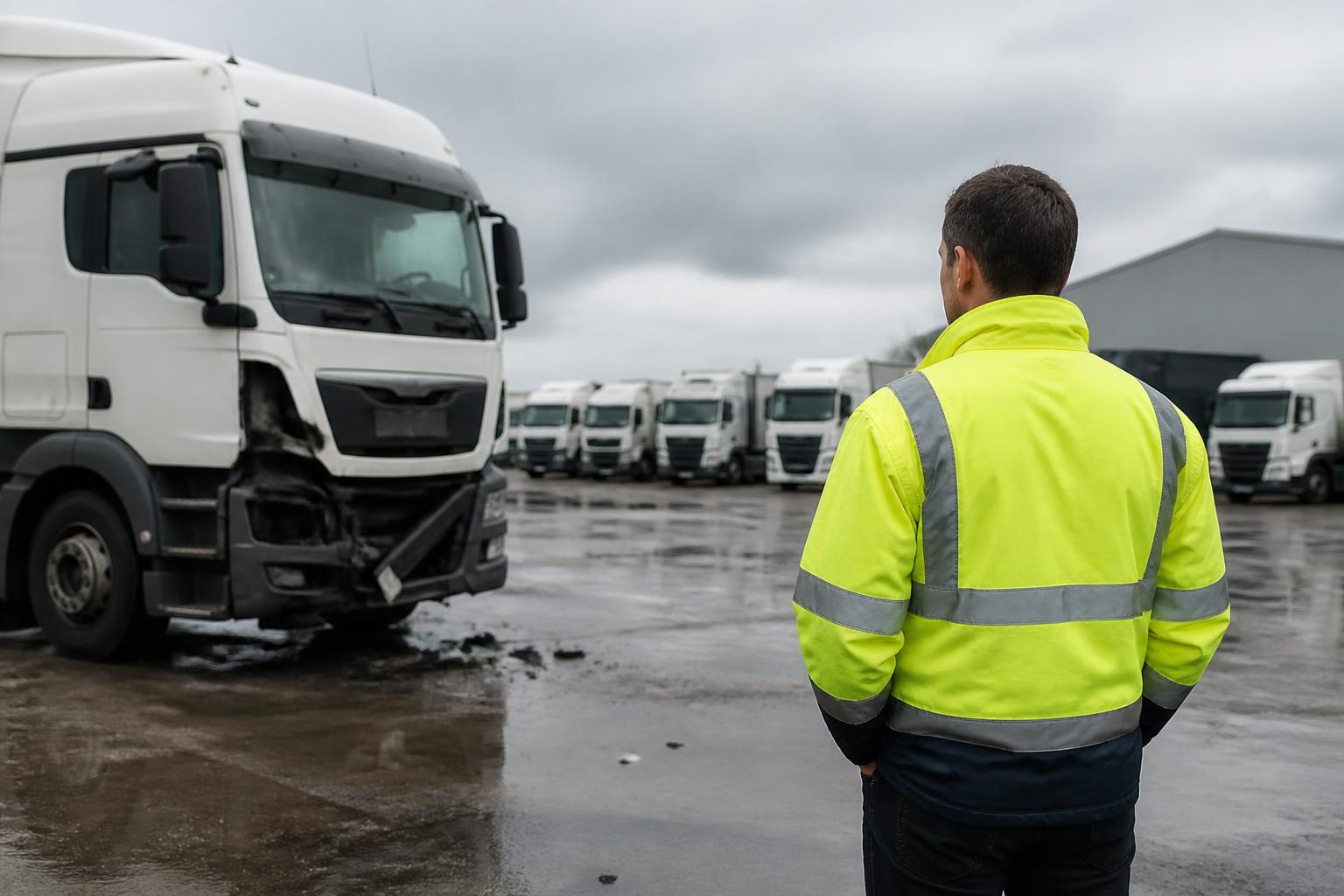
If you want incident reporting that will stand up when DVSA asks to see your records, compare it as a compliance tool first and an admin tool second. The right system should let a driver report quickly at the roadside, preserve what was reported and when, link the incident to the correct vehicle, trailer and driver, and leave a clear audit trail through investigation, remedial action and sign-off.
For UK operators, that matters because incident records rarely sit on their own. A collision, roadside stop, damage event or passenger complaint can trigger checks across maintenance files, driver records, tachograph evidence and management controls. Good vehicle incident reporting software for fleets should help us keep that chain intact, not create another disconnected folder of PDFs and emails.
What UK fleets should compare first
The first comparison point is evidence capture at source. If a driver reports an incident two hours late, without photos, without a location, and without a signed declaration, the office starts with gaps. We should expect a reporting flow that works on a phone, asks the right questions in the right order, and captures the essentials immediately. That usually means date and time, vehicle registration, trailer if relevant, driver identity, incident type, location, third party details where applicable, photos, notes and a driver declaration.
The second point is the audit trail. DVSA and the Traffic Commissioner are not looking for attractive dashboards. They want to see what happened, what we knew, what we did, and when we did it. Software should therefore record status changes, user actions, uploaded documents, comments, remedial tasks and sign-off history without letting key evidence disappear or be overwritten without trace.
The third point is speed of reporting. In practice, the best system is often the one drivers will actually use at the roadside or at the first safe opportunity. Long forms and awkward logins lead to delayed reporting and missing detail. A short, structured first report is better than a perfect form that nobody completes until the end of the shift. The office can always add investigation notes later, but it cannot recreate fresh evidence once the scene has changed.
The fourth point is fit with operator records. If incident reports sit outside the main compliance record, transport managers still have to cross-reference everything manually. That is workable for a very small operation, but it becomes slow and risky as the fleet grows. We should be able to connect an incident to the vehicle file, trailer file, driver file, inspection history and any resulting VOR period. If a damaged lamp led to a prohibition risk, or a tyre strike led to an unscheduled inspection, that should be visible in the same operational record.
It is also worth checking whether the system understands UK fleet structures. Goods vehicles, PSV fleets, mixed van operations, owner-drivers and agency-heavy businesses all hold records differently. A generic global incident app may log a crash, but that does not mean it helps us maintain an operator-licence standard of evidence.
How incident reporting fits with operator-licence compliance
Incident reporting is not a formal substitute for maintenance, driver or tachograph records, but it often sits alongside them when compliance is reviewed. For a transport manager, the question is whether the incident file supports the wider story in the operator record.
Take a simple example. A vehicle strikes street furniture and returns with front-end damage. The incident record should show when the driver reported it, what damage was visible, and whether the vehicle was taken off the road as VOR. The vehicle record should then show any safety inspection, repair booking, parts fitted, workshop notes and return-to-service decision. If the annual-test or MOT was due shortly after, we would want to see that date still tracked and not missed because the vehicle was off the road.
The same applies to driver records. If an incident raises concerns about entitlement, conduct or competence, we may need to look at driver licence checks with DVLA, Driver CPC status, DQC validity, induction records or internal training notes. That is one reason many operators want incident reporting in the same environment as driver compliance. It gives transport managers a cleaner route from event to review.
Tachograph evidence can matter too. For HGV and PSV operators, a reported time and location may need to align with tachograph activity, especially if there is a dispute about route, break status or whether the driver was within scope at the time. Incident software does not replace tachograph analysis, but it should make it easier to connect the incident to the relevant driver and vehicle so that supporting records can be found quickly.
This is where Operator Compliance is different in day-to-day use. We built it around the record-keeping demands transport managers actually face, including the structure set out in the DVSA Guide to Maintaining Roadworthiness. Fleeta Limited says it operates trucks under an operator licence itself, so the product has been shaped around the same evidence chain we would need to show if DVSA called.
Operator-licence compliance also means keeping deadlines and supporting files in view. Incident reporting should not distract from the basics. If you are reviewing systems, it is worth looking at how they sit beside fleet reminders for MOT and annual-test dates and software that keeps driver records audit-ready. Incident records are strongest when they are part of that wider discipline.
Where rules differ between the UK and the EU generally, UK operator-licence obligations should take priority for UK fleets. That is particularly relevant to the way records are presented for DVSA and the Traffic Commissioner, and to the use of annual-test terminology for relevant UK vehicles rather than broader EU wording.
Which workflows matter for drivers, managers and the office
The best incident process is different for each role, but the handover between roles is where systems usually fail.
For drivers, the workflow must be simple. They need to identify the vehicle quickly, confirm whether a trailer is involved, describe what happened, add photos and submit. If there are injuries, third party details, passenger issues or police attendance, the form should branch to capture those details without forcing every driver through every question every time. Drivers should also be able to make a declaration that the information is true to the best of their knowledge. That matters later if the file is reviewed.
For transport managers, the workflow starts once the first report lands. They need triage. Is the vehicle safe to continue? Does it need to be marked VOR? Is there a likely maintenance issue? Does the incident trigger a follow-up inspection, driver interview, disciplinary route, insurer notification or customer response? Good software should support assignment, internal notes, deadlines and sign-off, rather than leaving the manager to chase actions by email.
For the office or back-office team, the workflow is broader again. They may need to add claim references, repair documents, invoices, witness statements, complaint correspondence, workshop updates and final outcome notes. They also need to retrieve records later, by vehicle, driver, date range, depot or incident type. Search and export matter here more than most sellers admit.
A practical workflow usually has at least six stages:
- First report by the driver.
- Initial review and safety decision.
- Investigation and evidence gathering.
- Remedial action, including maintenance or driver action.
- Management review and sign-off.
- Storage against the relevant operator records.
If software cannot handle that chain cleanly, people fall back to WhatsApp photos, paper forms and spreadsheets. That creates duplicate records and weakens the audit trail.
It also helps if the same platform supports related daily controls. A driver who already uses the system for walkaround checks and defect reporting is far more likely to submit an incident promptly than one who has to download a separate app and remember another password.
One detail often missed is date logic. UK operators often work by ISO week for inspection planning, workshop scheduling and reporting cycles. If your operation thinks in ISO week, your incident reporting and follow-up tasks should be easy to review in the same way, especially where a damage event affects planned inspections or vehicle availability.
What to check in evidence, reporting and integrations
Evidence quality is where systems separate quickly.
Photos should be easy to take and attach from a phone, not added later from a desktop if it can be avoided. Timestamps should be automatic. Location data should be captured where the device allows it, because a manual text description of a lay-by or depot entrance is often vague. If the system supports sketches or annotated images, that can help, but it is less important than getting clear original photos and accurate timing.
Declarations matter as well. A driver statement with a date, time and named user is stronger than an unattributed note added by the office. If managers add findings later, those entries should be clearly marked as management notes rather than merged into the original report.
Document storage should cover more than the first form. In real cases we may need to store repair estimates, workshop job sheets, inspection sheets, third party correspondence, police reference details, customer complaints and closure notes. If the software only stores a single PDF per incident, it will not hold up well in practice.
Exports are another basic requirement. We should be able to export incident data and supporting files in a usable format for internal review, insurer requests or external audit. A system that traps records in a proprietary screen view creates work at exactly the moment we need speed.
On integrations, ask specific questions. Does it offer a proper REST API? Does it provide webhooks so other systems can react when an incident is created, updated or closed? Can it link incidents to vehicle, trailer and driver master records without duplicate entry? Can it pass status changes into other operational systems?
It is also worth being clear about what not to assume. Do not assume automated insurance look-ups. Some buyers ask whether a platform checks cover automatically through askMID or direct links to the Motor Insurers' Bureau or MIB. That is not a standard feature across fleet compliance software, and it should not be treated as the baseline for choosing an incident system. If insurance validation matters to your process, ask exactly what is available and what still needs to be checked manually.
The same applies to links with other fleet tools. Some operators will want incident data flowing into BI or workflow systems such as Fleetalyse or Logivo.AI. Others just need reliable exports and a clean API. There is no single right answer, but there should be a clear technical route. If a supplier talks about integrations in general terms and cannot explain its REST API, webhooks, field mapping or export structure, assume the work will fall back on your team.
Finally, check record retention and retrieval. If a public inquiry, complaint investigation or internal review happens months later, can we still pull the full file quickly? A system that is fast on day one but poor at retrieval later is not doing the compliance job properly.
How different operators should judge the options
Different operators should not score incident reporting software in the same way.
Hauliers usually need the closest tie between incidents, maintenance and tachograph evidence. Trailer involvement matters. So does the ability to show whether damage led to VOR, an unscheduled inspection, or a change in routeing or loading practice. For these operators, integration with the wider operator-licence record is usually more important than a polished claims workflow.
Van fleets and couriers often need speed, simplicity and high driver adoption. A short mobile-first process is critical because the volume of minor damage and low-speed incidents can be high. They should also look closely at driver record links, especially if they rely on large driver pools or frequent onboarding. Our guide to driver licence check software for courier fleets is often part of the same buying decision.
Bus and coach operators need to think about passenger issues as well as vehicle damage. The incident record may need to capture passenger complaints, falls, boarding incidents, service disruption and depot follow-up. Timing, route details and management review are especially important. They should also judge software against the broader standard needed to keep PSV records ready for inspection, which we cover in software that keeps bus and coach records audit-ready.
Owner-drivers usually need something different again. They may not need deep workflow layers, but they do need a disciplined record that stands up if DVSA asks questions and that helps them keep vehicle, driver and deadline evidence together. For them, simplicity and completeness matter more than enterprise-level configuration.
Taxi and private hire firms should focus on driver identity, vehicle allocation, passenger-related incidents and the practicalities of mixed employed and self-employed drivers. The best fit is often a system that can keep driver and vehicle records orderly without forcing a haulage-style process where it is not needed. Our page on compliance software for taxi fleets covers that operating model in more detail.
Agencies and driver suppliers should look hard at attribution and document history. When incidents involve temporary drivers, the record must make clear who was driving, under what arrangement, and what checks were current at the time. Licence checks, Driver CPC, DQC and assignment records all become more important.
For van operators specifically, it also helps to compare incident reporting alongside compliance tools built for van fleets, because many of the operational headaches are not about the incident form itself. They are about keeping all the supporting records in one place.
The main point is straightforward. Incident reporting should be judged by how well it supports the operator record as a whole. If software helps us capture evidence quickly, preserve an audit trail, link incidents to vehicles, trailers and drivers, and show what action followed, it is far more likely to stand up when DVSA or the Traffic Commissioner wants to see how we run the fleet. OperatorCompliance is built for that standard of record keeping, not just for logging events.
What is fleet incident reporting software used for?
It records collisions, damage, near misses and related events in a structured way, with evidence, dates, people involved and follow-up actions so operators can investigate and keep a clear file.
Is incident reporting software the same as operator compliance software?
No. Incident reporting is one process. Operator compliance software covers wider duties such as vehicle records, inspections, MOT or annual-test dates, driver checks and tachograph evidence.
What evidence should a fleet incident report include?
At minimum, it should capture the driver, vehicle, date, time, location, description, photos, witness details if available, and a clear audit trail of any later edits or actions.
Do small fleets need dedicated incident reporting software?
Often yes, if paper forms, email chains or shared folders are causing delays, missing evidence or weak follow-up. The main test is whether the process is consistent and easy to prove.
Should incident reporting link to other fleet systems?
Usually yes. Links to vehicle, trailer and driver records reduce duplicate entry and make investigations easier. Some operators also need exports, REST API or webhooks for wider reporting.