· 12 min read
Where to find your driving licence photocard number
A practical guide to the driving licence photocard number, where to find it, what it means and when operators need it for driver checks.
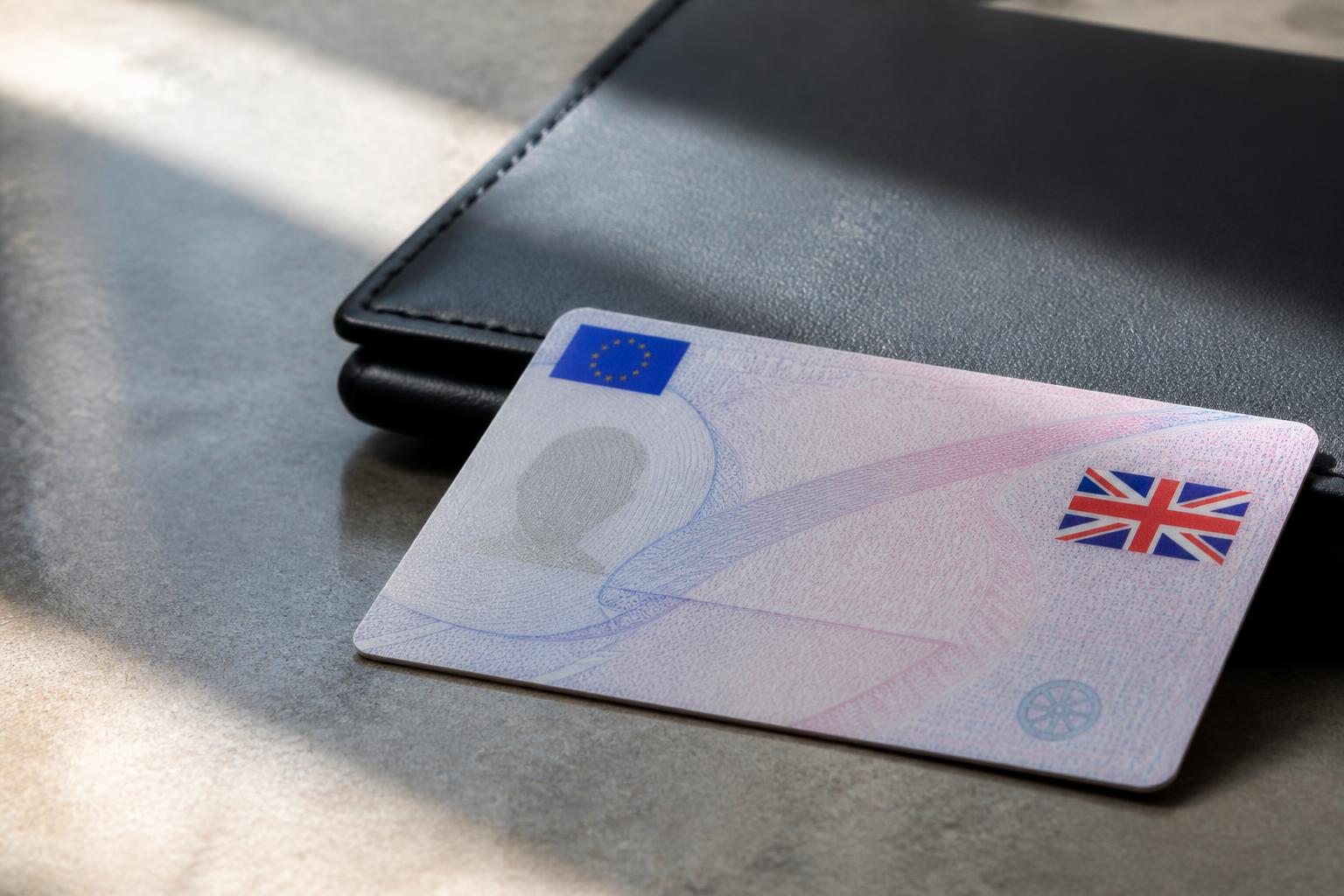
If you need your driving licence photocard number, the first thing to know is that people often mean different numbers when they use that phrase. On a UK licence, the number most often asked for is the driver number on the front of the photocard. That is the long reference made up of letters and numbers, and it is the one usually used for licence checks, identity matching and driver records.
There is also a smaller issue number on the front of the card, and that is where confusion starts. If a form, agency or operator asks for the “photocard number”, check what they actually need. In most cases, they want the driver number. If they are checking whether a replacement card has been issued, they may want the issue number as well.
What the photocard number is and why people ask for it
In everyday use, “photocard number” is not a formal DVLA label. It is a loose term people use when they are looking at the plastic driving licence and need “the number on the card”. That can mean one of three things:
- the driver number
- the issue number
- less commonly, another printed reference on the card
For most operational purposes, the number that matters is the driver number. It identifies the driver’s licence record and is the detail usually needed when carrying out a licence check, matching a driver to existing records, or confirming that the licence presented belongs to the person in front of you.
Drivers ask for it when they are filling in job applications, insurance forms, onboarding packs or licence check consent forms. Operators ask for it when they are running periodic driver licence checks, onboarding agency or employed drivers, or correcting records that do not match DVLA returns.
The term causes confusion because the UK photocard contains more than one number on the front. A driver may read out the wrong one over the phone. An office team may record only part of the reference. A transport manager may receive a licence image where the number is visible but is then entered into the system against the wrong field. That is a small admin error, but it can lead to failed checks, duplicate records and weak audit evidence.
For operators, this matters because driver records are not just admin. They sit inside the wider compliance picture. If you are called on to show how you verify entitlement, monitor expiry dates, record Driver CPC status, or evidence your driver management controls to the Traffic Commissioner, the details need to be right and traceable.
Where to find it on a UK driving licence
On a current UK driving licence photocard, the driver number is printed on the front of the card at item 5. It appears roughly halfway down the left-hand side area of the licence, underneath the driver’s date and place of birth at item 3, and near the dates shown at item 4.
It is a long code of letters and numbers. This is the number most people mean when they ask for the photocard number.
To find it:
- Take the photocard and look at the front, the side with the photo.
- Find the numbered fields printed on the card.
- Look for field 5.
- Read the full driver number exactly as shown.
Do not confuse this with field 4b, which shows the photocard expiry date, or field 4c, which shows the issuing authority. Do not confuse it with the issue number either, which is separate and much shorter.
The issue number is printed on the front as well, usually beside field 5. It is a two-digit number. It changes when DVLA issues a new version of the licence. That means it is useful for checking whether the card has been replaced since you last took a copy.
If you are checking a licence image sent by email or messaging app, enlarge the image and confirm that you are reading field 5, not just the nearest visible number. We see this go wrong most often where a driver sends a cropped photo of the card and the person recording it does not have the full front image.
A few practical points help avoid mistakes:
- Record the driver number exactly, including letters.
- Do not insert spaces unless your system is designed to format it that way.
- Check the name on the licence against the driver record at the same time.
- Check the photocard expiry date separately. A valid entitlement and an expired photocard are different issues, and both should be recorded correctly.
If you also need the smaller number, see our guide on where to find your driving licence issue number.
Photocard number, driver number and issue number
These terms are often used interchangeably in conversation, but they are not the same thing.
The driver number is the main identifying reference on the licence. It is linked to the individual driver’s record. In practice, this is the number used for identity matching and licence check processes. It is the key reference for confirming that the licence details on file relate to the correct person.
The issue number is different. It is a short number that shows which version of the photocard has been issued. If a driver loses a card, changes address, renews it, or receives a replacement for another reason, the issue number may change even though the driver remains the same person with the same underlying licence record.
That distinction matters operationally:
- Use the driver number to identify the licence holder.
- Use the issue number to tell whether the card itself has been reissued.
- Use the expiry dates to manage renewal action and evidence ongoing checks.
For entitlement, the front and back of the licence matter together. The categories shown on the reverse side tell you what the driver is entitled to drive and any relevant start and end dates for those categories. A correct driver number with no category check is not enough for onboarding. Equally, a category check with a mistyped driver number creates a weak record because the audit trail no longer clearly ties back to the card you saw.
For record-keeping, we recommend treating these as separate fields in your system:
- full driver number
- issue number
- photocard expiry date
- licence categories held
- any restriction codes shown
- date checked
- method of check
- copy of front and back image, where your process requires it
- evidence of the check result
That structure makes later reviews much easier. If you are preparing records for an audit, internal review, insurance query or Traffic Commissioner file, you can show not just that a licence was “seen”, but exactly what was recorded and when.
When operators and transport managers need the right licence details
The need for accurate licence details comes up far more often than many fleets expect.
The first obvious point is onboarding. Before a driver is put in a vehicle, operators need to confirm identity, entitlement and any time-limited elements such as Driver CPC or DQC status where relevant to the role. For goods and passenger operations, that check needs to be clear enough that another manager could review the file later and understand exactly what was verified.
It also matters for periodic licence checks. Many operators set a check frequency based on risk, role and previous findings. A driver with vocational entitlement, penalty points, recent changes or a high-mileage role may justify closer monitoring than a low-risk occasional driver. Whatever frequency you use, the starting point is the same, the licence details on file must belong to the right person.
Agency and recruitment use is another common pressure point. Temporary drivers often arrive with documents gathered at speed, sometimes by more than one office. If the driver number, issue number and entitlement categories are not captured consistently, it becomes difficult to prove what was checked before that driver was allocated work. That is particularly important where the operator and the supplying agency each hold part of the record.
There are also day-to-day operational reasons:
- resolving failed or mismatched licence checks
- updating records after a replacement photocard is issued
- checking whether a driver has renewed an expired card
- confirming entitlement before moving a driver onto a different class of vehicle
- verifying details after a name or address change
- maintaining evidence for insurers, customers and audits
For transport managers, the standard is not just to perform checks, but to be able to show a controlled system. That means evidence that the process is routine, records are current, exceptions are followed up, and expired or missing items are not left sitting unresolved.
This becomes especially important if your business is ever asked to explain its driver management arrangements to the Traffic Commissioner. In that setting, vague notes such as “licence checked” are not strong evidence. A dated record with the exact driver number, expiry date, categories reviewed, and supporting images or check output is much stronger.
The same principle applies across mixed fleets. Van fleets, couriers, bus and coach operators, owner-drivers, taxi and private hire firms, and goods vehicle operators all benefit from having one repeatable process. The legal context may differ by vehicle type and activity, and where UK rules differ from wider EU practice you should follow the UK position that applies to your operation, but the record-keeping discipline is the same. Capture the right details once, check them properly, and keep the evidence.
How to record licence details without creating compliance gaps
The safest approach is to use a standard process every time a licence is first received and every time it is rechecked.
Start with the source document. Take a clear copy or image of the front and back of the photocard. If the image is blurred, cropped or obscured by glare, reject it and ask for a better one. A poor image is not a minor inconvenience, it is the start of bad data.
Then capture the key fields into your driver record:
- driver’s full name
- date of birth
- driver number
- issue number
- photocard expiry date
- categories and their expiry dates where relevant
- restriction or information codes
- date the document was seen
- who checked it
- what supporting evidence was obtained
Next, compare what has been entered against the image before saving the record. A second-person check is useful for new starters and vocational drivers. It takes very little time and catches most transcription errors.
Where possible, keep the licence image attached to the driver record, not in a separate email chain or shared folder with no index. During an audit, retrieval speed matters. If it takes twenty minutes to find the image that supports a licence check, the process is not under control.
Set review dates for more than one trigger. Do not rely only on the photocard expiry date. In practice, operators should monitor:
- next scheduled licence check date
- photocard expiry date
- category expiry dates where applicable
- Driver CPC or DQC dates where relevant
- any internal probation or high-risk review points
This is where a central system helps. In Operator Compliance, we built the record structure around the way operators actually have to evidence compliance, because Fleeta Limited runs trucks itself under an operator licence and needed a practical system rather than a filing exercise. The result is a driver record that sits alongside vehicle, trailer, defect, maintenance and tachograph evidence, instead of leaving transport managers to chase details across spreadsheets and inboxes. If you want a fuller picture of how we approach fleet records, our background as an operator-led software team explains that in more detail.
A few controls make a real difference:
Use fixed field names
Do not create one free-text box called “licence details”. Separate fields force consistency. If one person writes “new card seen”, another writes “photocard updated” and another uploads only an image, you do not have structured records.
Record the check method
If you used a visual check, note that. If you used an online check process, record the date and result. If you received updated evidence after a replacement card was issued, record what changed. A later reviewer should be able to follow the sequence.
Keep superseded details, do not overwrite blindly
If the issue number changes, that can be useful history. The same applies where a category expiry date changes or a renewed card is issued. Keep the new record, but preserve the evidence trail showing what was previously held and when it was updated.
Link licence checks to driver status
If a licence check fails, if the photocard is expired, or if a required document is missing, the driver record should show that clearly. Many compliance gaps happen because the evidence sits in one place and the operational status sits somewhere else.
Review exceptions actively
Run a regular review of drivers with missing fields, expired photocards, upcoming category dates or unresolved check results. This should be part of the same management rhythm as MOT, annual-test, inspection and defect follow-up. Compliance failures often come from unclosed exceptions rather than from having no process at all.
Keep evidence ready for scrutiny
If you ever need to produce a driver file quickly, you should be able to show the current licence details, previous updates, copies of the card, and the dates checks were carried out. That is the standard operators should work to.
For teams trying to pull this together across several depots, agency drivers or mixed operations, it helps to have one system that keeps the deadlines and evidence in one place. Our operator licence compliance software for driver and fleet records is built for that kind of control, and if you need to connect records with other systems we also provide integration options for fleet data through our REST API and webhooks.
The practical point is simple. If someone asks for the photocard number, do not guess which number they mean. Check the card, identify field 5, and record the driver number accurately. Then record the issue number and expiry dates separately. That small distinction prevents a lot of avoidable admin errors, and for operators it strengthens the evidence trail you may later need to rely on.
Is the photocard number the same as the driver number?
No. People often use the terms interchangeably, but they are not always the same thing in practice. Check the exact field being requested and use the number shown in the correct place on the licence.
Where is the number on the front of the licence?
It is on the front of the UK photocard, among the numbered fields. Drivers should look carefully at the printed labels so they do not copy the wrong reference.
Do operators need to keep a copy of the photocard?
Many operators keep a copy or scanned image as part of driver records, alongside licence checks and expiry dates. The key point is that records are accurate, current and easy to produce if needed.
What if a driver gives the wrong number?
The operator should check the physical licence again and correct the record promptly. Wrong licence details can lead to failed checks, duplicate records or missing evidence in compliance files.
Does the photocard number change when a licence is renewed?
Some details on the licence can change when a new card is issued. Operators should not assume old records remain correct and should update stored licence information after renewal.